01
Browse the server list
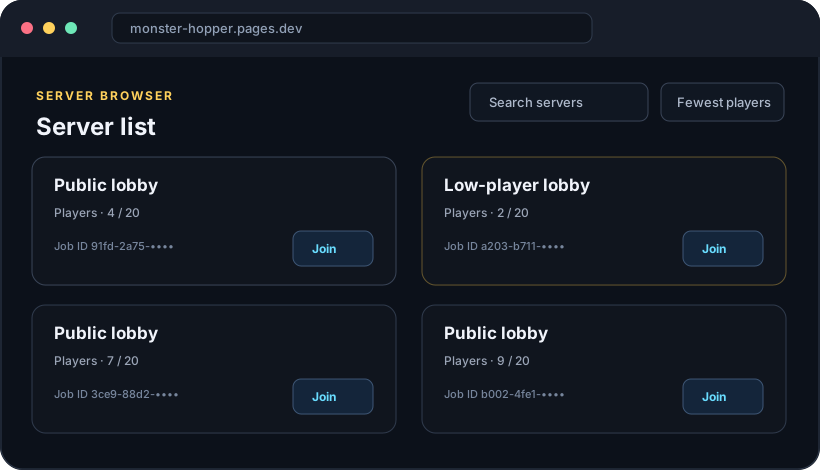
The public server list loads when you open the home page. Use search or sorting to find a lobby. Select Refresh to update the list.
 MONSTER HOPPER
Catch a Monster
Back to server list
FIRST-TIME SETUP · 3 MINUTES
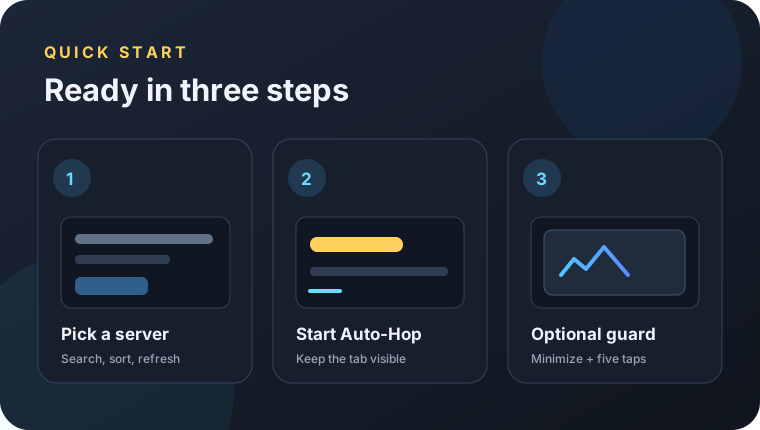
Start Auto-Hop from the server list. If Roblox keeps coming to the foreground on Windows, you can download the optional Focus Guard and set a click point.
PART 1 · WEBSITE
The website runs in your browser. Roblox Player must be installed and signed in separately.
The public server list loads when you open the home page. Use search or sorting to find a lobby. Select Refresh to update the list.
Set the wait interval (minimum 15 seconds), then select Start Auto-Hop. The first join request is sent immediately. Allow Chrome to open Roblox if it asks.
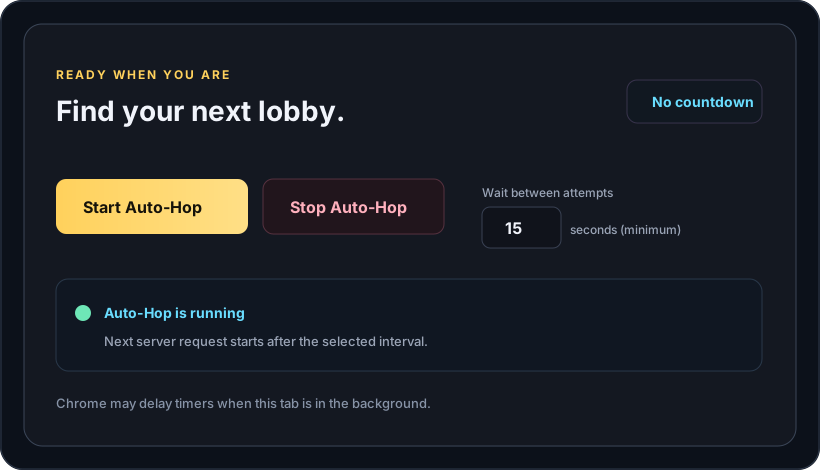
Chrome may slow timers in background tabs. To help hops run on time, keep the Monster Hopper tab open and visible. Select Stop Auto-Hop when you are done.
PART 2 · OPTIONAL WINDOWS HELPER
This small PowerShell helper minimizes the Roblox window and sends five clicks to a blank Chrome spot you choose. It does not run a web server or ask for your Roblox password.
Source files: PowerShell script · CMD launcher
AF55CB369588DF2E5B3F7BB663BD3D648B634E7BF041271261C21EFB8AA7202DRight-click the downloaded ZIP and select Extract All…. Keep both files together in the same folder.
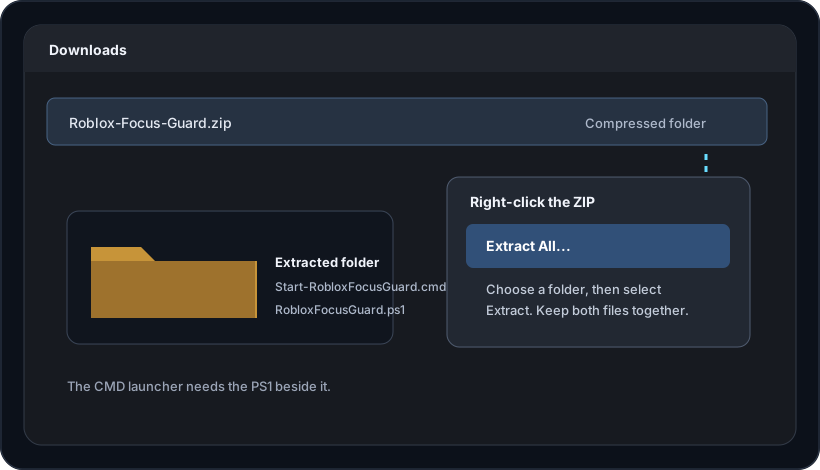
Double-click Start-RobloxFocusGuard.cmd. The Focus Guard window opens with its status set to STOPPED. No separate installer or local web server is needed.
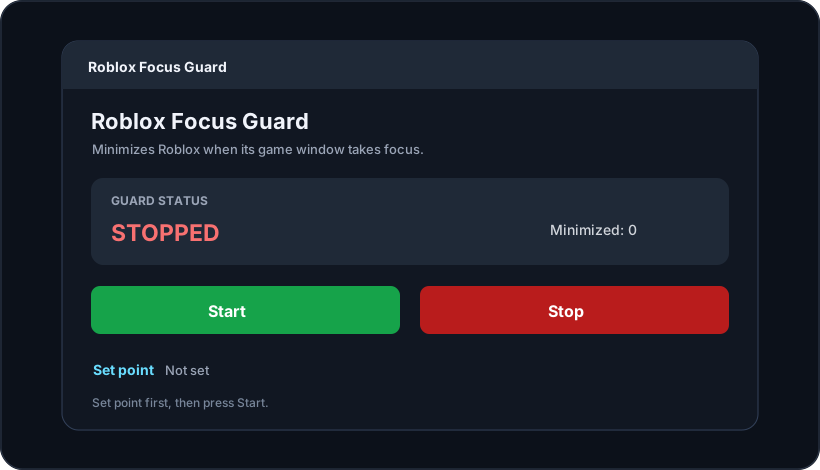
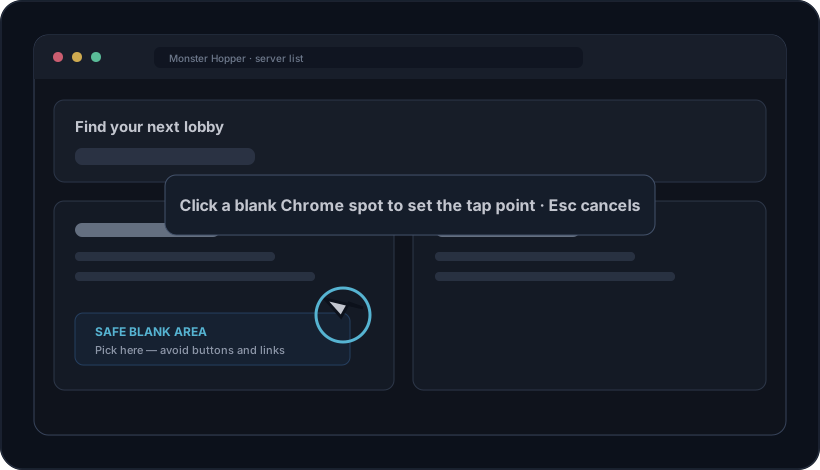
Select Set point in the window. A blank area of Chrome will appear beneath the overlay; click it once to save the coordinates. Press Esc to cancel.
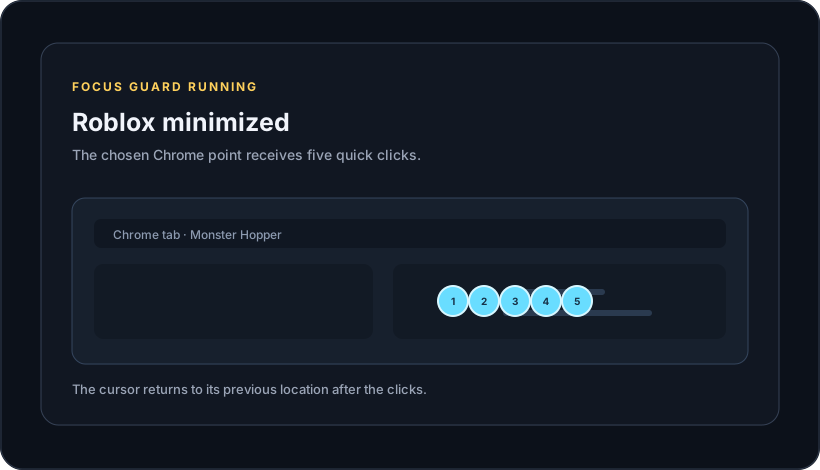
Select Start in Focus Guard, then start Auto-Hop in the Monster Hopper tab. When Roblox comes to the foreground, it will be minimized and five clicks will be sent to the saved point. Select Stop in Focus Guard or close its window to exit.
QUICK HELP
No. The launcher opens the guard in a separate PowerShell console. You can close the original CMD window; keep the new PowerShell console and Focus Guard window open.
Five clicks are sent to the selected screen point every time Roblox is minimized. Choose a blank area in Chrome, or a page control could be activated.
No. It tries to reduce Roblox taking the foreground. It cannot control browser permission prompts, network delays, Roblox loading, or background timer throttling.
Yes. Focus Guard is optional. Monster Hopper's server list and Auto-Hop run in your browser.